ready2order LogoPOS system
  • Pricing
  • Contact us
  • Login
Free trial
ready2order LogoPOS system

Pricing

Contact us

Free trialLogin
ready2order LogoPOS system

POS Hardware

  • readyMini
  • readyGo 2 (NEW!)
  • readyTab
  • readyMax 2
  • Overview

Industries

  • Gastronomy
  • Retail
  • Service

Software

  • POS Software
  • Cashbook
  • Downloads
  • API
  • Supported Devices

Company

  • About Us
  • Career
  • Jobs
  • Whistleblower

Support

  • Help Center
  • Service Packages
  • Login
  • Contact
  • Terms of Service
  • Legal Notice
  • Privacy Policy
  • Cookie Settings
ready2order LogoPOS system
4.31
2348 Reviews at ProvenExpert.com
iPad cash register
Epson TM-m30III

Epson Printer

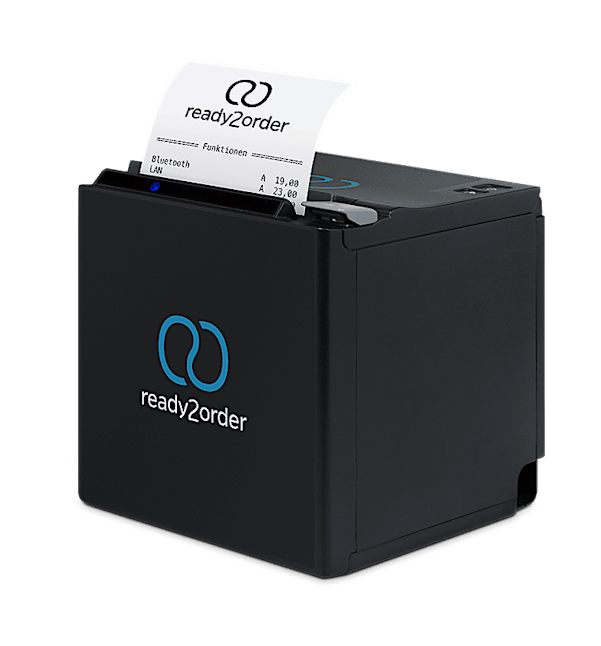
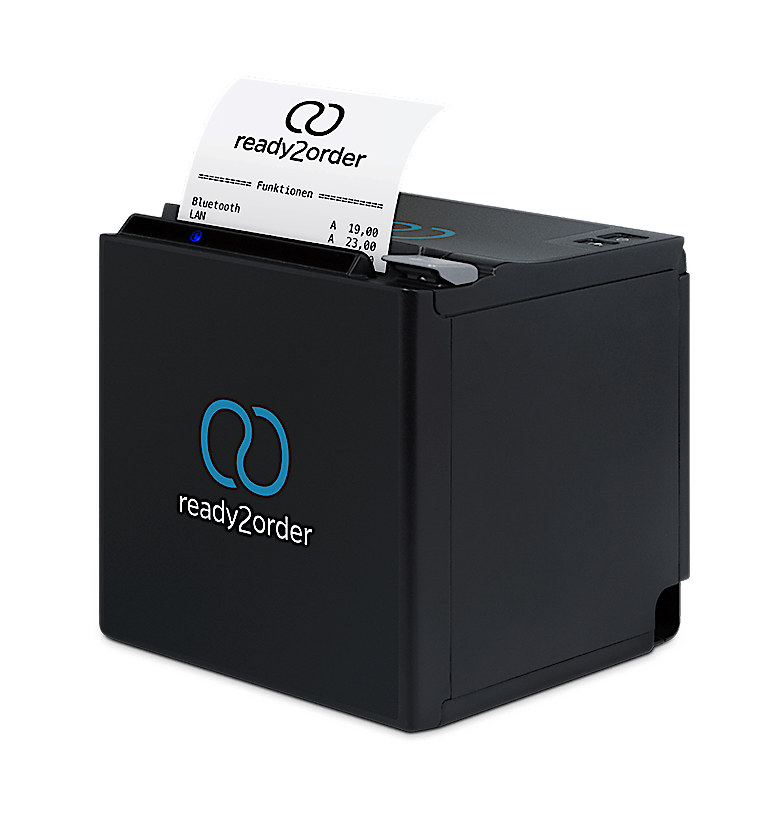
The compact Epson receipt printer fits seamlessly into your workspace: reliable, securely connected, and taking up hardly any space!

  • The ideal addition to your PC, smartphone, or tablet-based POS system
  • Perfect for wireless printing in the kitchen and bar
Buy nowBook consultation

Epson TM-m30II

269

.00

€ once

  • Easy connection via USB, Bluetooth, and Ethernet
  • 58 mm or 80 mm receipt rolls
  • With cash drawer connection

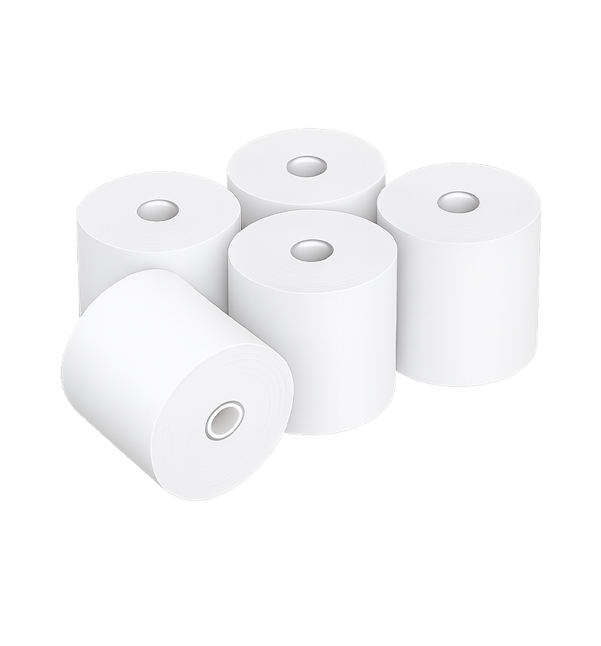
Receipt roll 80x80 – from

1

.36

€ per roll

  • Suitable for readyMax, readyMax 2, Epson TM30
  • 80mm width, 80m roll length, 80mm diameter
  • High-quality thermal paper, 10 rolls/carton
  • Available in our online shop
All prices exkl. VAT
Epson TM-m30II

Epson TM-m30II: Practical And Reliable

The Epson TM-m30II not only gives you the space you need to work, it also impresses with its elegant design. Turn your smartphone, computer or tablet into a reliable cash register in seconds!

  • For iPad, tablet, computer or smartphone
  • Connects easily via Bluetooth without installation or drivers
  • Smallest stationary printer on the market
Buy now

Technical Details

Measurements & weight

12,7 x 12,7 x 12,7 cm, 1.3 kg

Operating System

iOS, Android, Windows, Mac

Interfaces

Bluetooth, USB, LAN, cash register connection

Paper
(not included)

58 mm and 80mm thermal paper

Included

User Manual

USB cabel (1.83 m)

Power supply cable (1.83 m)

Frequently Asked Questions

What are the advantages of Epson printers?

The Epson receipt printer is ideal for mobile POS systems and can even be used with multiple tablets featuring different interfaces. It can be used as both a top-access and a front-access printer. A particularly convenient feature: ou don’t need ink or toner cartridges, as the printer uses thermal printing.

What kind of receipt rolls do I need?

Epson desktop printers use 80 mm wide thermal paper receipt rolls. Because thermal paper reacts to heat, no printer cartridges are needed.

You can find the right receipt rolls for your printer here in our online store.

How do I set up the Bluetooth printer on iOS and Android devices?

You can find detailed step-by-step instructions on how to connect a Bluetooth printer for iOS and Android on our support page.

Can I also connect a Bluetooth printer to Windows devices?

Yes, here are the steps you need to follow:

  • Open Windows settings
  • Click on ‘Devices’ and then on ‘Bluetooth’ in the left-hand sidebar
  • All available devices will be displayed in the list on the right
  • Click on the desired printer and then on ‘Pair’
  • Then add the printer in the ready2order app under ‘Settings/Printer’ on the ‘Search for Printer’ page

How do I set up a LAN printer on Mac OS X or Windows?

To set up a Wi-Fi printer, you will need the following information:

  • IP address
  • Subnet mask
  • Default gateway

You can find instructions for setting up the printer on Mac OS X and Windows here:

  • Printer setup on Mac OS X
  • Printer setup on Windows

My Epson printer is printing blank receipts. What's causing this?

First, check whether you’re using a thermal receipt roll: You can tell by scratching the surface of the receipt paper. With thermal paper, this will leave a mark due to the heat. 

If you are using thermal paper and your receipt printer still isn’t working, check to see if the receipt roll is loaded the right way: The coated side of the thermal paper must face up.

How can I print order receipts?

To print order slips, click on the “Products” menu item in the admin interface, select the desired product group, and assign a printer to it. You can find detailed instructions on our support page.

Can I manually reprint a daily closing report on the receipt printer?

You can print one or more daily closing reports multiple times. To do this, log in to the admin interface at my.ready2order.at and select the “Reprint” option in the “Would you like to reprint a daily closing report?” field.

You can find more information about reprinting a daily closing report here.